Golden Hour Portrait: a free DaVinci Resolve PowerGrade for S-Log3
4 min readUpdated
Golden Hour Portrait is a free PowerGrade for DaVinci Resolve — a warm, backlit portrait look built with Helios Grade on S-Log3. Take the grade, and see exactly which part of the frame each part of it touches.
The look
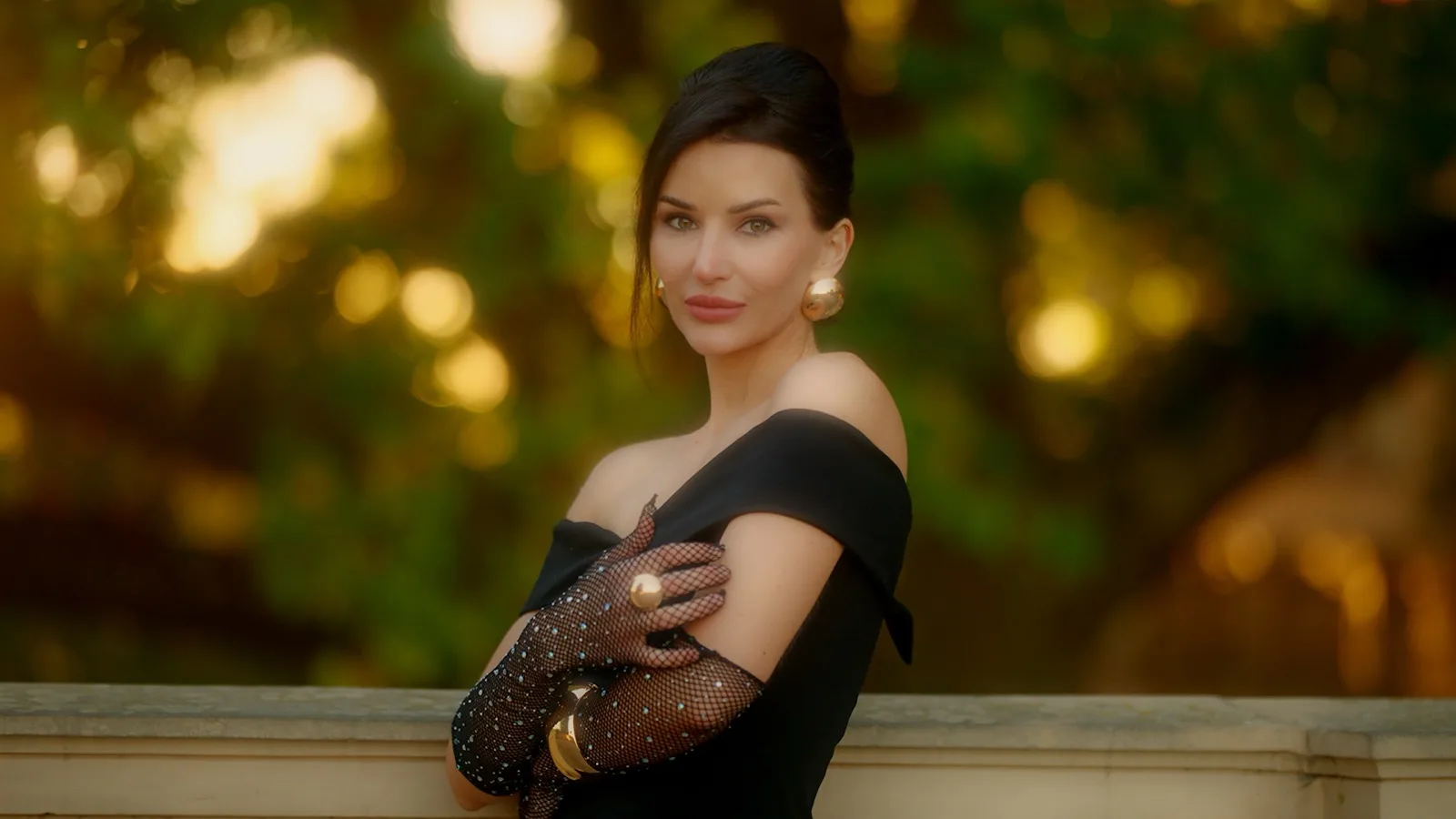
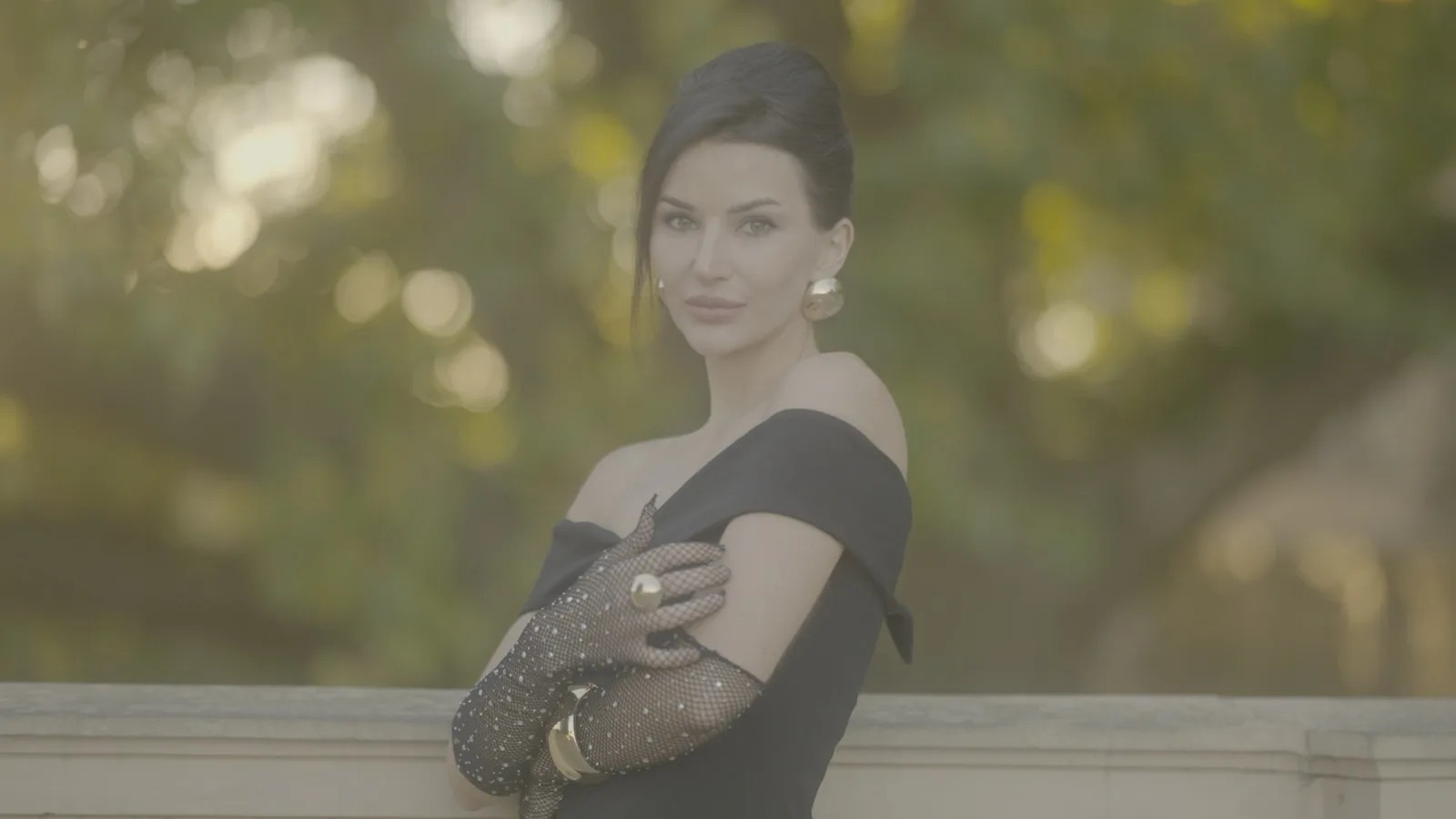
Low sun behind the subject, an f/1.2 lens turning the background into circles of light, and skin that has to stay skin through all of it. The grade warms the frame without letting the warmth run into her face, and lets the bokeh bloom the way it would through real glass.
Get the PowerGrade
golden-hour-portrait.zip · 6 MB — the PowerGrade (.drx, exported from Resolve Studio 21) and the DPX still it was graded on, so you can practise on the same frame.
Drop it in — four steps
- 1Install Helios Grade and restart Resolve.
- 2Color page → Gallery → the PowerGrades album.
- 3Right-click in the gallery → Import → pick
golden-hour-portrait.drxfrom the unzipped folder. - 4Select your clip, right-click the still → Apply Grade.
What each module touches
Pick a module below to see what it is allowed to touch. This is the part worth studying if you want to build a look like this by hand rather than import it — most grades that read as heavy are heavy because an effect is landing somewhere it was never meant to.
The finished frame. Five optical modules are on, and none of them is doing anything you would point at on its own.
The bokeh behind her carries almost all of it; her face barely registers, so the warm bleed lands on the lights rather than on skin. That is the whole trick with halation on a portrait — raise the threshold until the face drops out.
Wider and softer than halation, and reaching further down the image. This is the pass that puts air between her and the background.
Tighter than both of the above and held to the hottest cores only, which keeps the sun behind her reading as a light source rather than as haze.
Edges only, everywhere there are any — her face, hands and the jewellery hardest, but the railing and the rims of the bokeh circles too. What matters is what stays black: the wall, her top, the out-of-focus gaps. That is Refining keeping the sharpening off flat areas so grain and skin do not crunch.
Inverted against the others, and it should be: the centre is black because nothing happens there, and the falloff builds towards the edges. Soft and wide rather than a hard oval — if you can see where a vignette starts, so can the audience.
Every frame is one module with Show Mask on and the rest switched off. White is where that module acts; black is where it does nothing.
Free, watermarked, no expiry
Golden Hour Portrait is one Helios Grade node, so the PowerGrade needs the plugin installed before Resolve can render it — the free watermarked version opens it too.
₹3,540₹1,77050% OFF
Code LAUNCH50
Buy once, use it on up to 3 machines, 15 days to change your mind.
Shot on
The footage behind the frames above
- Camera
- Sony a6700
- Lens
- Sirui Aurora 75mm f/1.2
- Profile
- S-Log3 / S-Gamut3
- Codec
- 10-bit 4:2:2
- ISO
- 800
- Light
- Low backlit sun, no fill
Closest match: log footage, warm low-angle daylight, a fast lens, and skin as the subject. Anywhere else, treat it as a starting point — apply it, then rebalance skin first, because skin is what this look was judged against.
Make it yours
Nothing here is baked into a LUT. Every control on the node is live, so you can pull the bloom back, warm it further, or take the vignette off entirely without rebuilding anything — the film-look breakdown shows what each control does and how far to push it.
Grain sits at zero. If you want texture, raise Grain Strength on the node and pick a stock — the film grain model sizes itself to your frame, so it holds up the same at 4K as it does at HD.
Golden Hour Portrait is one Helios Grade node doing all of the work. The free version is watermarked and never expires — no account, no payment — so the grade costs nothing to judge on your own footage. Buying removes the watermark; any offer running is shown on the product page.