Watch. Try. Keep creating.
Visual walkthroughs, downloadable looks and product guides. Choose the way you like to learn.
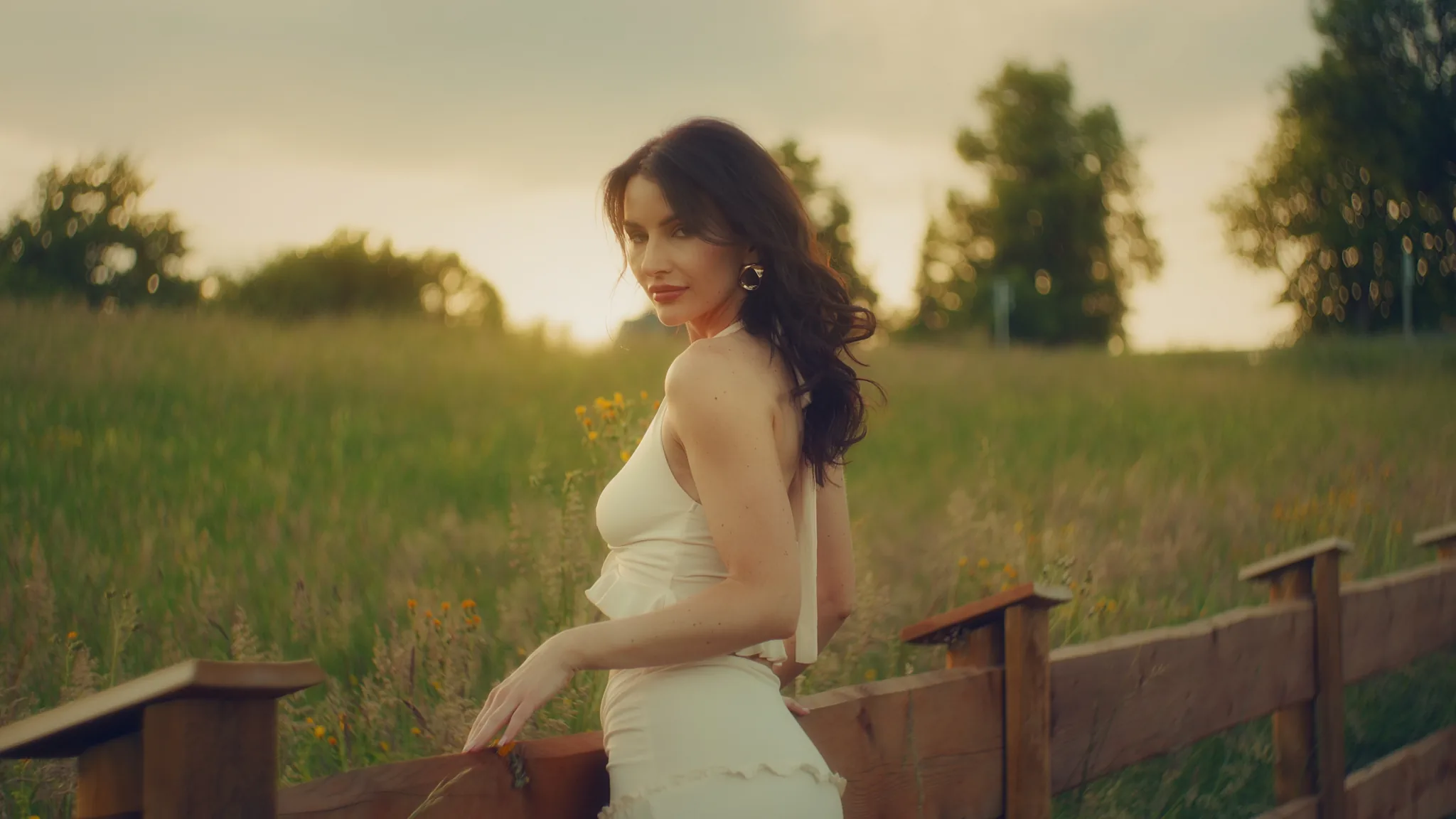
Start with a finished look.
Compare the image, follow three steps, then open the settings when you need them.
Browse visual tutorialsGet to your first result.
Helios Grade
An effect in DaVinci Resolve or Premiere Pro: drag it onto a clip from the Effects library (in Resolve, on the Color page: Effects → OpenFX).
Textmation
A panel in DaVinci Resolve Studio: open Workspace → Workflow Integrations and choose it.
Prefer watching?
Visit Rohit Naik Visuals on YouTube for shooting, editing and grading videos.
Open YouTube channelOpens on YouTube