Log Camera · iPhone app
Shoot Log video on your iPhone, like a cinema camera.
Apple Log in 10-bit 4:2:2, ProRes to an SSD, film looks that read your Log, and full manual control.
Free for 14 days · then pay once, no subscription
- 4Kup to 120 fps
- 89film prints
- 0data collected
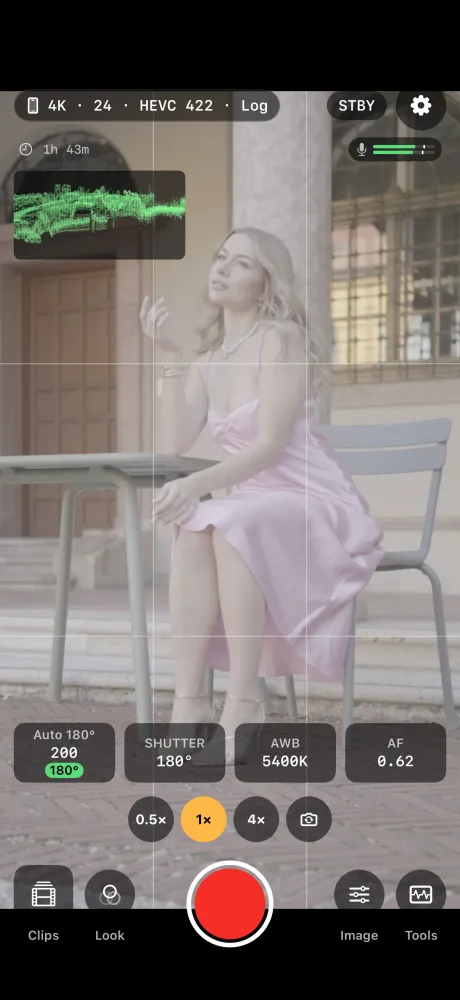
Inside the app
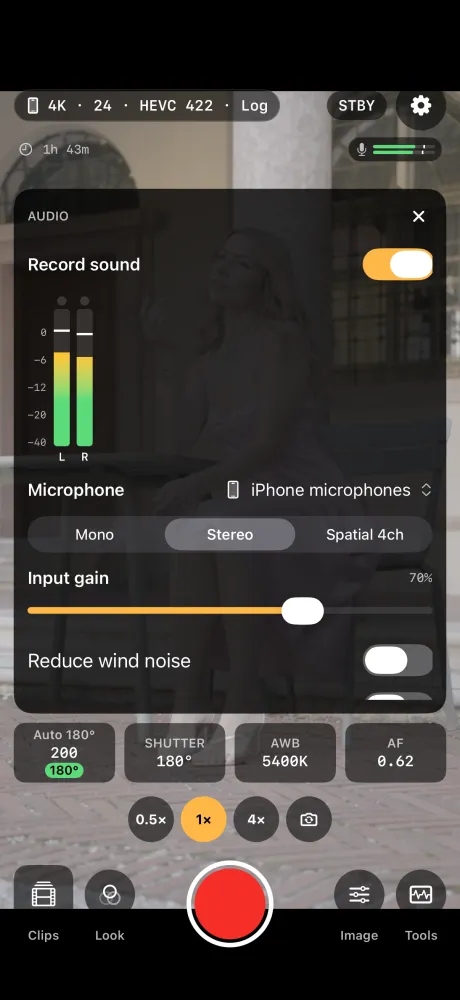
Set your shot. Pick a look. Check your sound. Record.
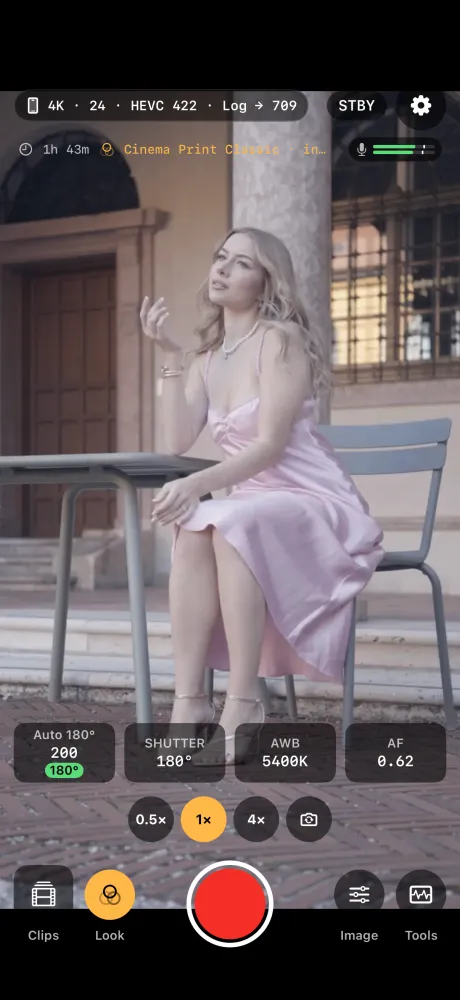
How it works
Pick a format
HEVC 10-bit on the iPhone, or ProRes to an SSD.
Set the exposure
Let Auto 180° do it, or set it all by hand.
Record
Keep Log clean, or record a film look into the clip.
What it can do
Apple Log
Apple Log and Apple Log 2, in HEVC 10-bit 4:2:2.
ProRes to an SSD
422 HQ, 422, LT, Proxy, and ProRes RAW on iPhone 17 Pro.
Film looks
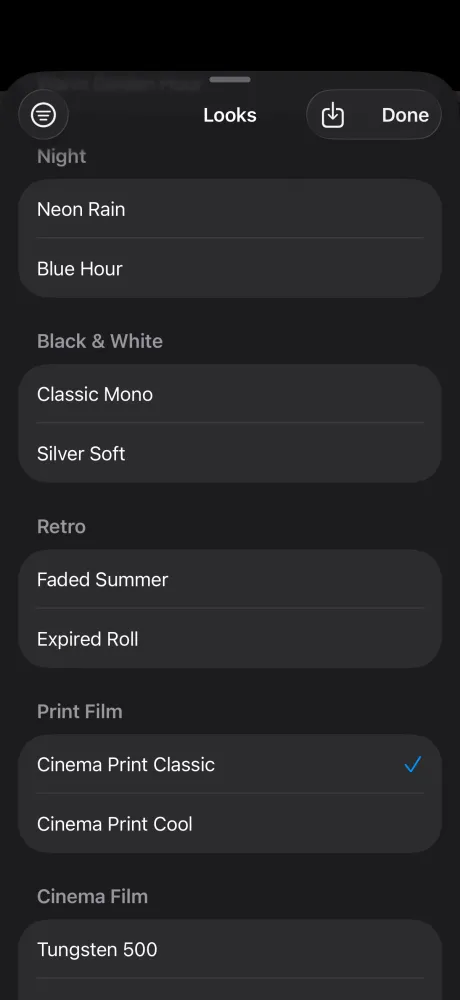
89 Helios prints and 15 looks. Change strength, colour, grain and more.
Your own LUTs
Bring in any .cube file.
Auto 180°
Natural motion blur, and it tells you which ND filter to add.
Scopes
Waveform, parade, vectorscope, histogram, false colour, zebras, peaking.
Pro sound
USB-C or wired mics, up to 4 channels, meters, 24-bit sound.
Dropped frame alerts
It warns you right away, and tells you why.
Log, or the look recorded in
Every print reads Apple Log, Log 2 and normal video the right way. Keep Log to grade later, or save the look as Rec.709.
Your clips stay with you.
Clips stay on your iPhone or your own drive. Nothing is collected. Privacy policy
- No account
- No upload
- No analytics
- No ads
- No tracking
Free to try, then yours for good
Days 1 to 14
Everything
Record as much as you like.
After that
Recording stops
The viewfinder, looks, tools and clips still work.
One purchase
Record for good
No subscription. Family Sharing included.
Log Camera · lifetime
Pay once
No subscription. The App Store shows the price for your country.
- Free for 14 days first
- Every feature, for good
- Family Sharing included
The free days start the first time you open the app. Buy Log Camera Lifetime in the app's Settings.
One kit, from camera to finished film
Use one. Or use them together.
Questions
Which iPhone do I need?
An iPhone with iOS 18 or later. What you can record, like Apple Log, ProRes and frame rates up to 4K at 120 fps, depends on your iPhone.
Do I need an SSD?
No. HEVC 10-bit records on the iPhone. ProRes and ProRes RAW record only to a USB-C SSD. With no drive, the app records HEVC and tells you.
Does it upload my clips?
No. Clips stay on your iPhone or your own drive. There is no account and no cloud.
Shoot Log. Grade it, or record the look.
Free for 14 days · then pay once, no subscription
Questions: support@colormetriclabs.com