Frame Capture · iPhone and iPad app
Pull the exact frame out of any video.
Scrub, step one frame at a time, mark the moments you want, and save them as full-quality photos. On iPhone and iPad, all on the device.
Free for 14 days · then pay once, no subscription (or 3 frames a day, free)
- 1frame at a time
- 8Kbiggest export
- 0uploads
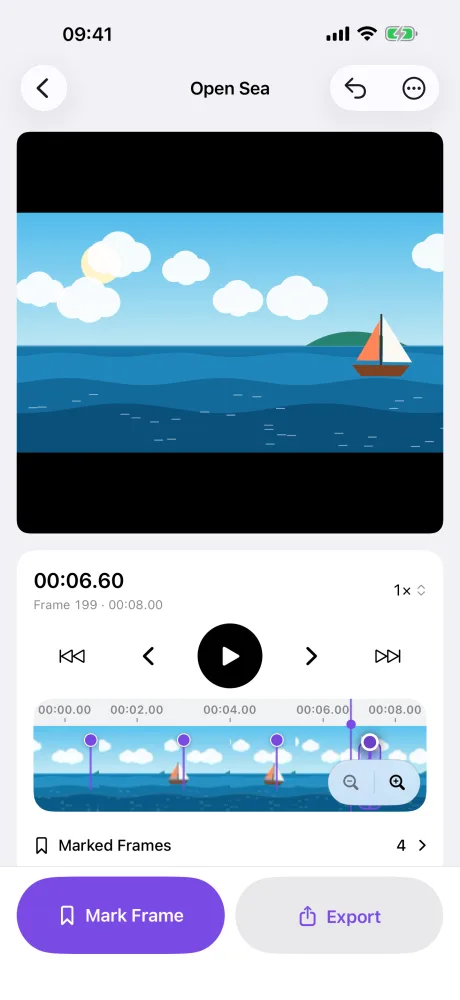
Inside the app
Open a video. Find the frame. Save every frame you marked.
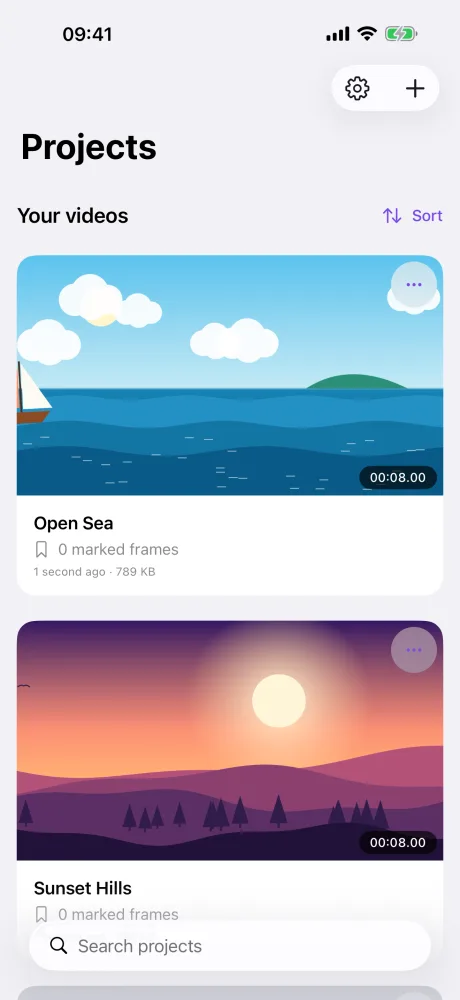
How it works
Open a video
From Photos or Files. It stays on your device.
Find the frame
Scrub, then step one frame at a time.
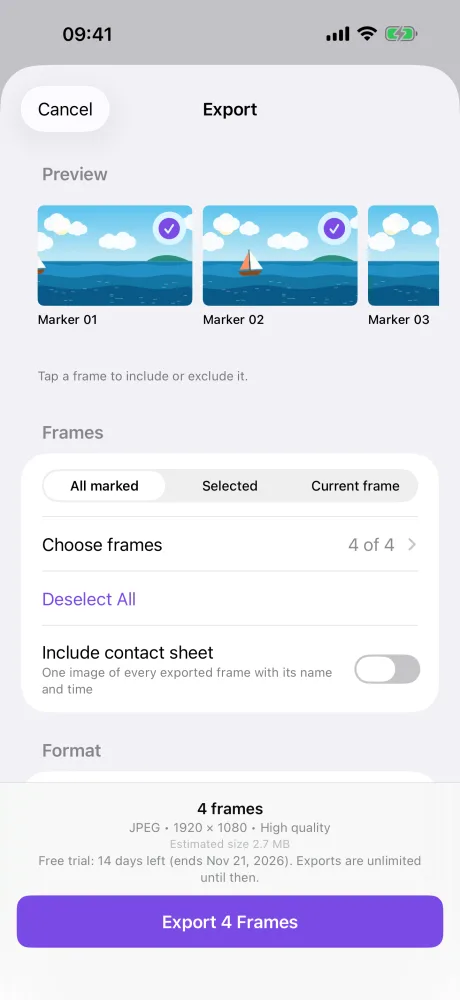
Mark it, save it
Mark every moment you want. Save them all at once.
What it can do
Frame by frame
The exact frame, not the nearest one. Drag below the timeline to scrub slowly.
Markers with notes
Name, note and colour. Move them, jump between them, undo any change.
JPEG, HEIC or PNG
Full size, or up to 8K with the shape of the video kept.
Contact sheet
One image of every frame, with its name and time.
Compare two frames
Wipe between two marked frames to pick the better one.
Photos, Files or share
Into an album, a folder you pick once, or any app.
iPad and keyboard
Space, arrow keys, M to mark, Command-Z to undo.
Made for iPad too
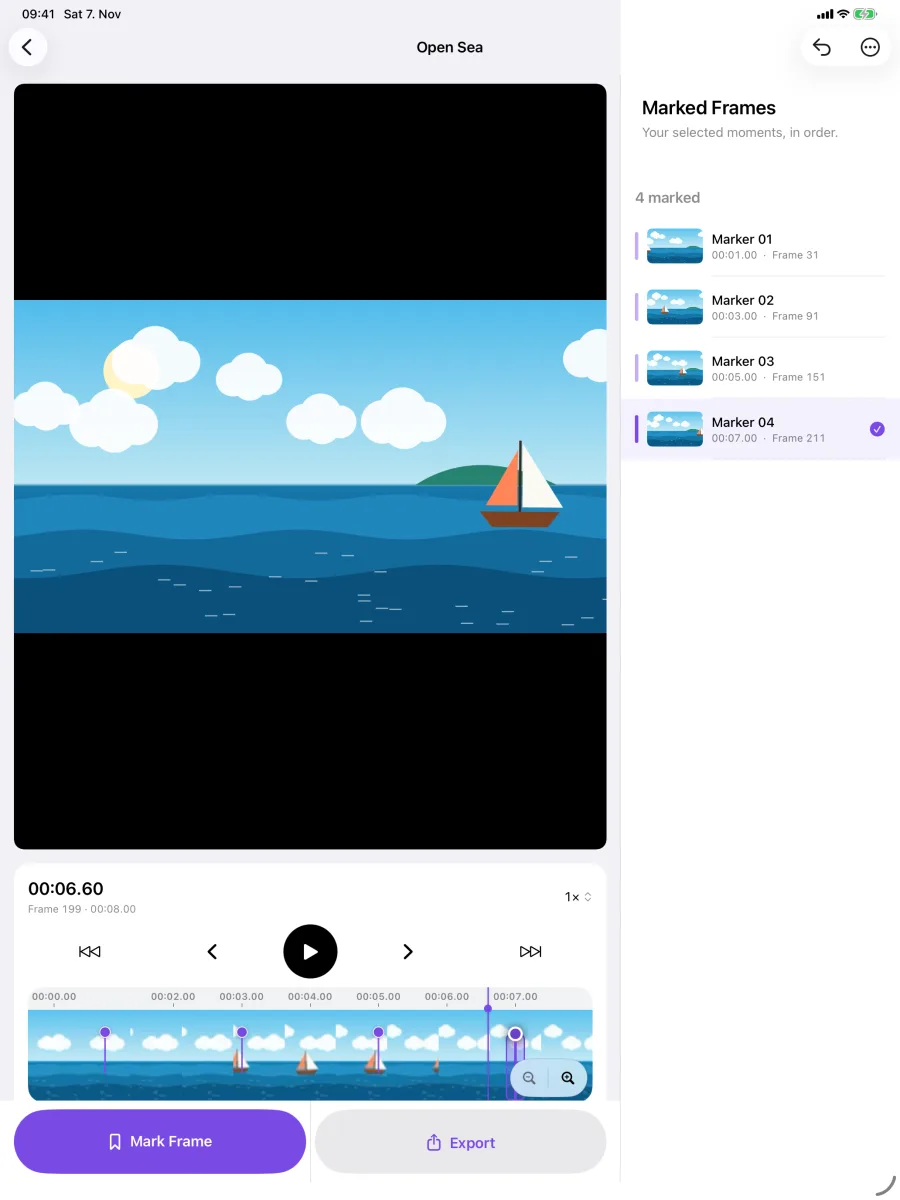
Your marked frames sit beside the video.
Your videos stay on your device.
Every frame is read and saved on the iPhone or iPad. Privacy policy
- No account
- No upload
- No AI service
- No ads
- No tracking
Free, then yours for good
Days 1 to 14
Unlimited
Save every frame you mark.
After that
3 frames a day, free
The count starts again at midnight.
One purchase
Unlimited, for good
No subscription. Family Sharing included.
Frame Capture · lifetime
Pay once
No subscription. The App Store shows the price for your country.
- Free for 14 days first
- Every feature, for good
- Family Sharing included
Opening, scrubbing, marking and previewing are never limited. One frame saved is one frame counted. A contact sheet is not counted. The app's Settings show how many free frames are left today.
One kit, from camera to finished film
Use one. Or use them together.

Questions
Which iPhone or iPad do I need?
Any iPhone or iPad with iOS or iPadOS 17 or later, and any video your device can play. HEIC needs a device that can write HEIC. The app only offers what yours can do.
Does it upload my videos?
No. Every frame is read and saved on your device. There is no account and no cloud.
What happens after the free days?
You can still save 3 frames a day, free. One purchase makes it unlimited for good.
The exact frame, every time.
Free for 14 days · then pay once, no subscription (or 3 frames a day, free)
Questions: support@colormetriclabs.com