My eBook Reader · iPhone and iPad app
Read every e-book you own, in one calm app.
EPUB, PDF, Kindle files, comics and more. Highlight, take notes and find them again. No account, no ads.
Free for 15 days · then pay once, no subscription
- 14book formats
- 10,000page books, still fast
- 0ads or tracking
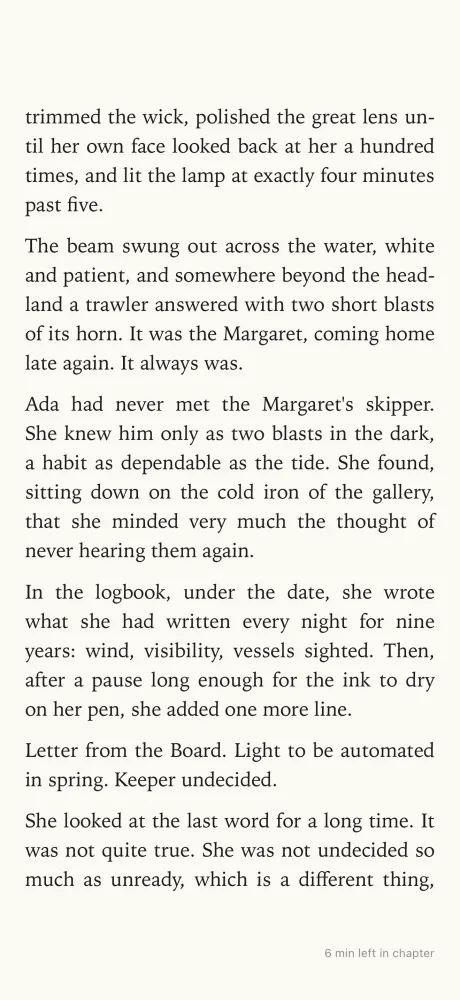
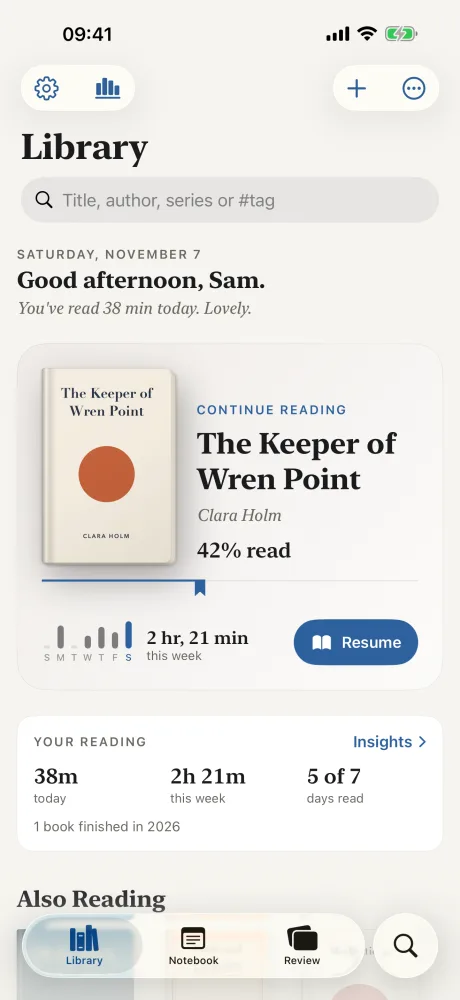
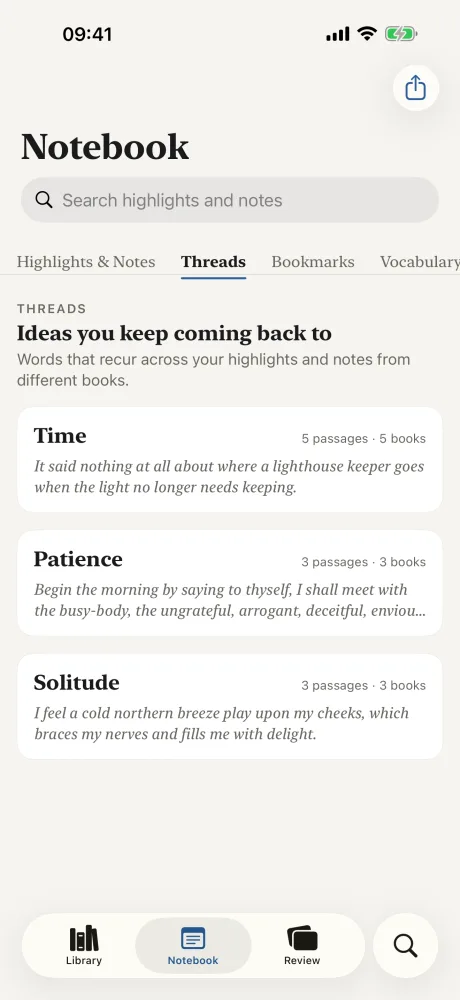
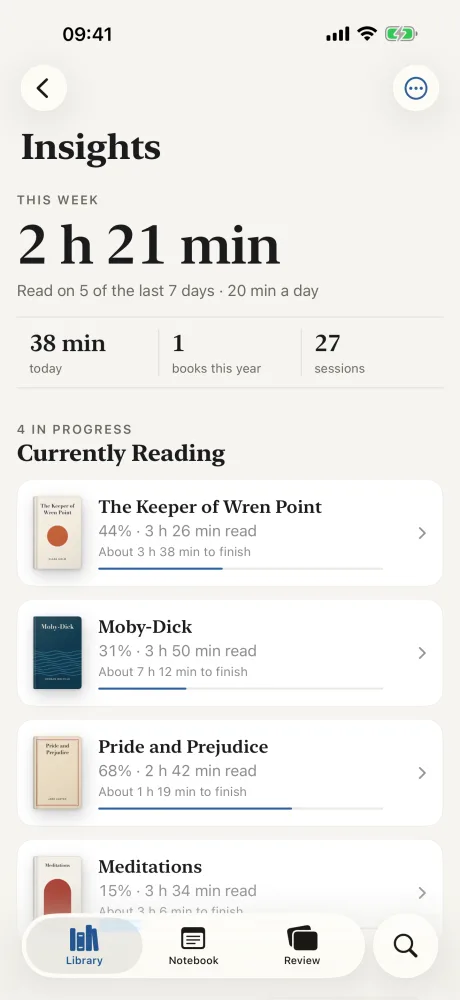
Inside the app
Shown with a demo library: an original novel written for these pictures and public-domain classics.
How it works
Three steps. No account.
Add your books
AirDrop them, or open them from Files, Mail or Safari.
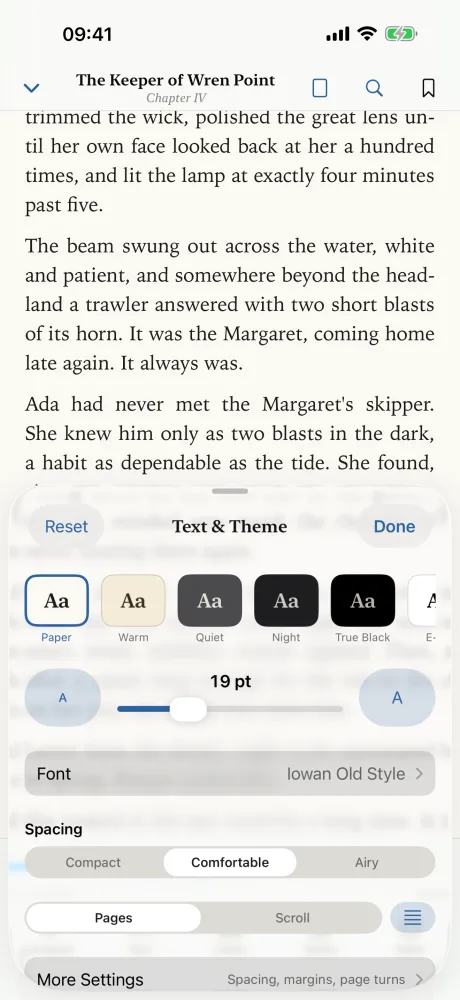
Set the page
Pick the font, size and colour you like.
Read and keep notes
Highlight, take notes, or listen with the screen locked.
What it does
Books with DRM, such as those bought in the Kindle Store or Apple Books, can't be opened.
Open almost any book
EPUB, PDF, Kindle MOBI and AZW3, FB2, comics (CBZ, CBR), Word, RTF, HTML, Markdown and plain text.
Make the page yours
Fonts, including your own. Size, spacing and margins. Light, sepia, dark and true black. Turn pages or scroll.
Highlight and take notes
Six colours, four styles. Add a note to any passage, or bookmark a page in your own categories.
Find your notes again
One notebook for every book. Search, tags, and passages from different books that talk about the same thing.
Look up words offline
Add your own dictionaries, or use Apple's. Translate a passage with Apple's translation.
Listen to any book
Read aloud with your iPhone's voices. It follows along word by word and keeps playing with the screen locked.
Search everything
Inside a book, across your whole library, and through your notes.
Export and back up
Notes to Markdown, text, CSV, JSON or HTML, also straight into an Obsidian folder. Full backups to your iCloud Drive.
Big books stay fast
Tested with 10,000-page books in every format it reads.
- 1Open: Books open on the page where you left them, even after a restart.
- 2Jump: Drag the bar at the bottom to go anywhere in the book.
- 3Keep going: Thousands of highlights and notes stay quick to search.
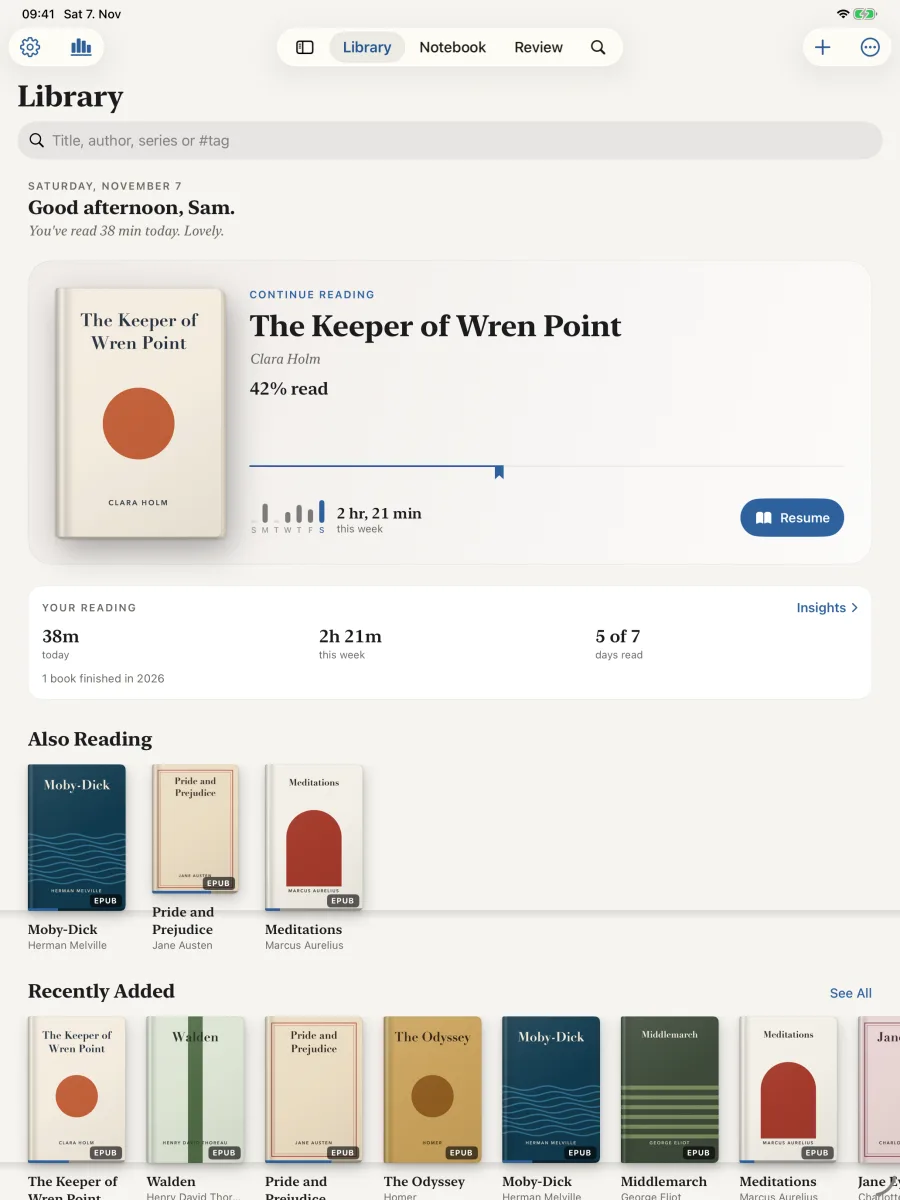
Your whole library on iPad
One purchase covers your iPhone and your iPad.
Your books and notes stay on your device.
They leave it only when you export, share or back up to your iCloud Drive. Privacy policy
- No account
- No ads
- No analytics
- No tracking
Try it free, then buy it once
Days 1 to 15
Everything, free
Read, highlight, listen and export.
After the trial
Your notes stay yours
Export your highlights and notes, and back up your library, forever.
One purchase
Read for life
Keep reading, for life. No subscription.
My eBook Reader · lifetime
Pay once
No subscription. The App Store shows the price for your country.
- Free for 15 days first
- Every feature, for good
- Family Sharing included
Questions
Which iPhone or iPad do I need?
Any iPhone or iPad with iOS 18 or iPadOS 18 or later. One purchase covers your iPhone and your iPad.
How do I add books?
AirDrop them from your Mac, iPhone or iPad, and choose My eBook Reader. Or open them from the Files app, Mail or Safari downloads. You can import a whole folder at once from Files or iCloud Drive.
Can it open Kindle Store or Apple Books purchases?
No. Books with DRM can't be opened. It reads the DRM-free books you own.
Help and support
Email us: support@colormetriclabs.com
Tell us your device, its iOS version and what happened. If a book will not open, attach it if you can. In the app, Settings › Help & Feedback can add a diagnostics report to your email.
Read how the app handles your data in the My eBook Reader privacy policy.

Bring your books. Start reading.
Free for 15 days · then pay once, no subscription
Questions: support@colormetriclabs.com