
Helios Camera · iPhone app
See the film look before you shoot.
Your film look, grain and glow, live in the iPhone viewfinder. The original photo is always kept.
Free for 14 days · then pay once, no subscription (or 10 photos a day, free) · See your price on the App Store
- ~90film looks
- 15ready-made looks
- 0data collected
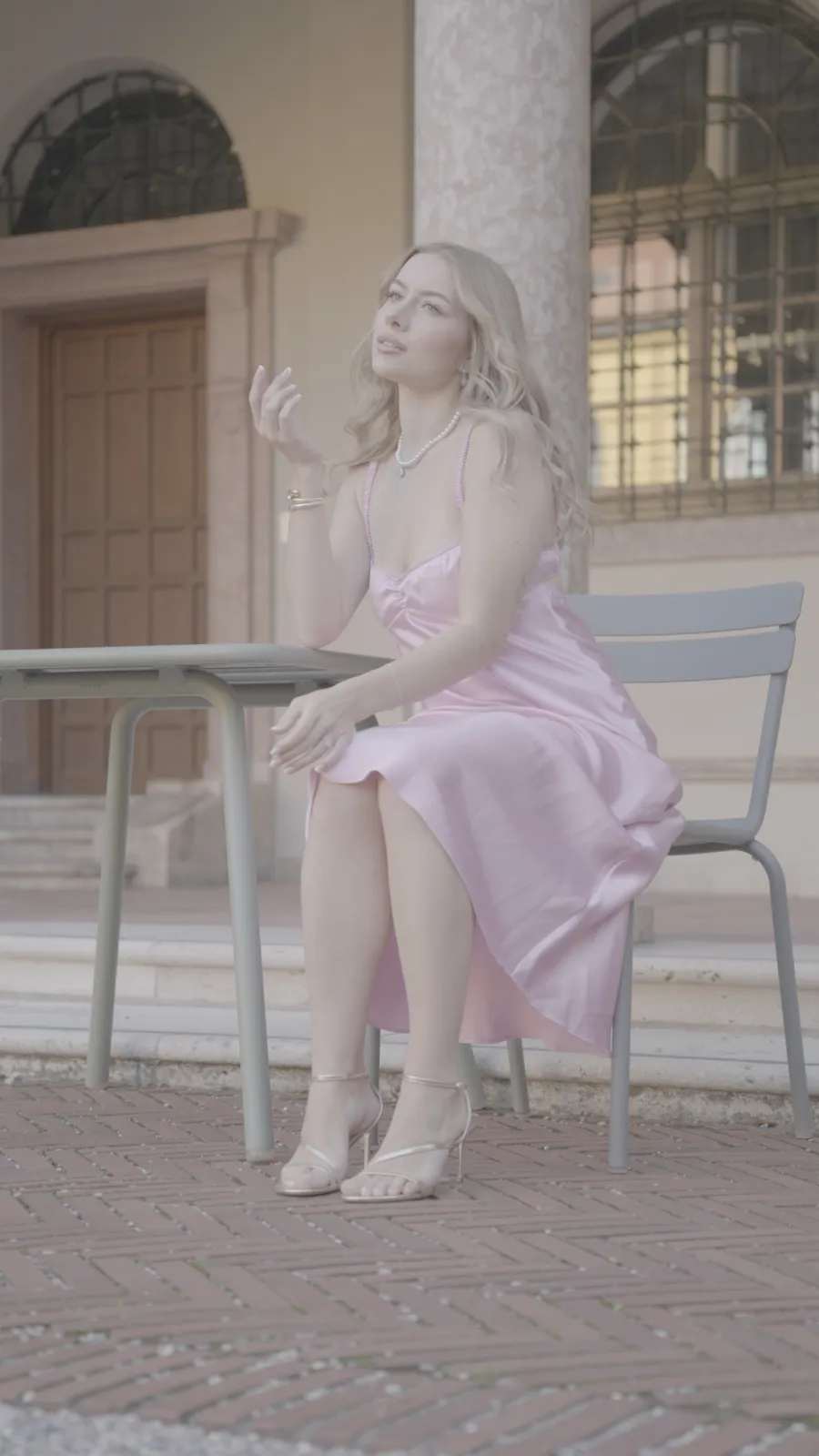
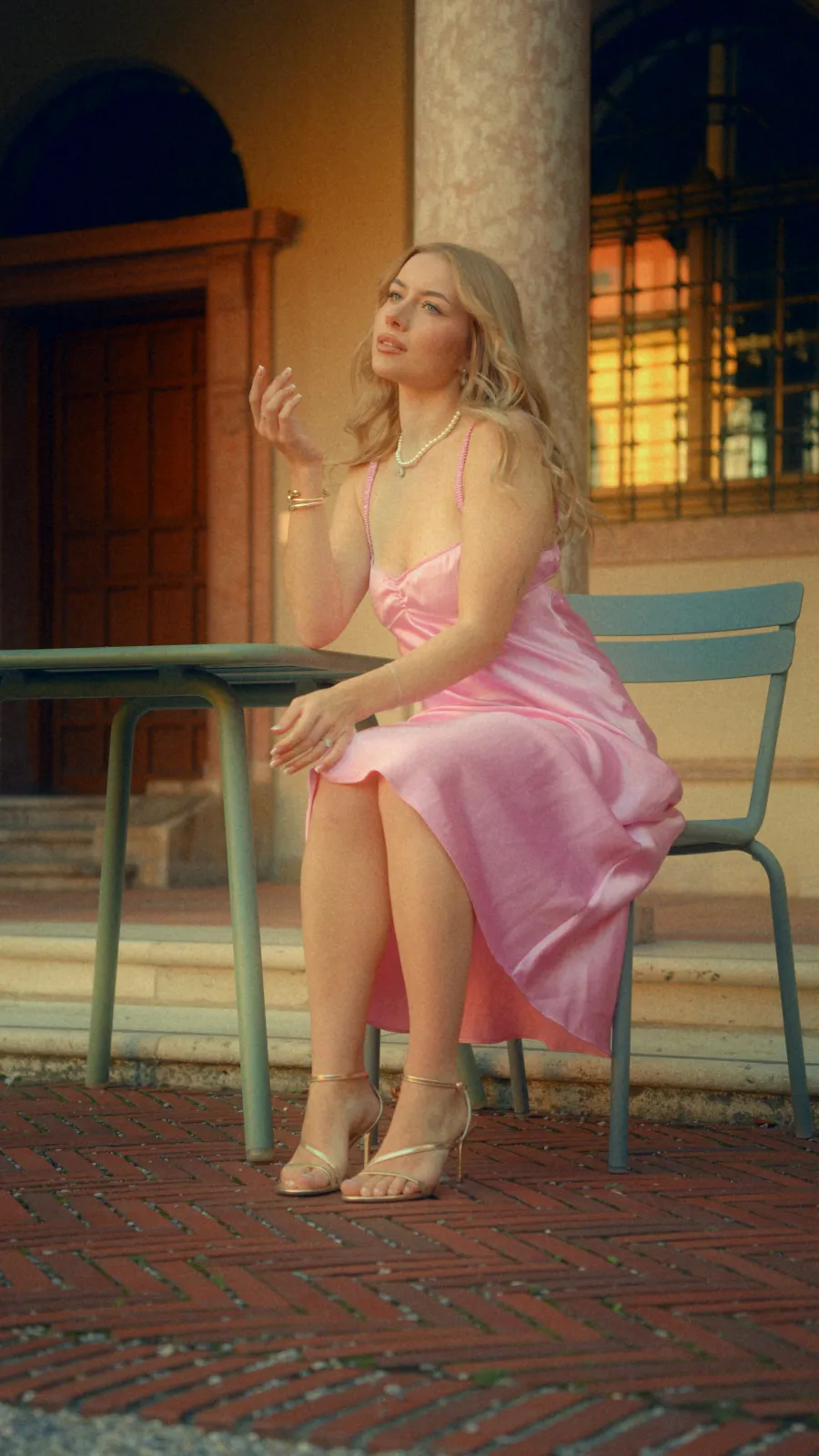
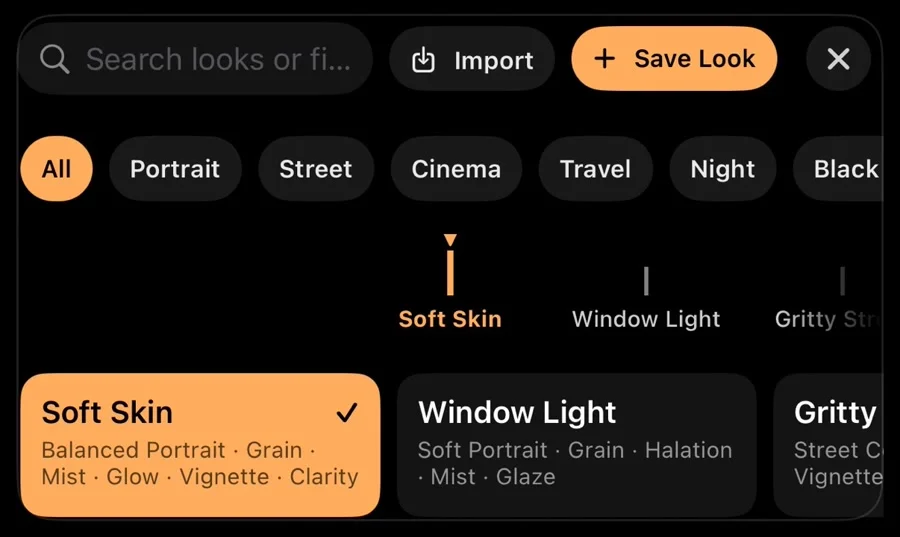
Inside the app
Every panel sits under the picture, so you always see the whole frame.
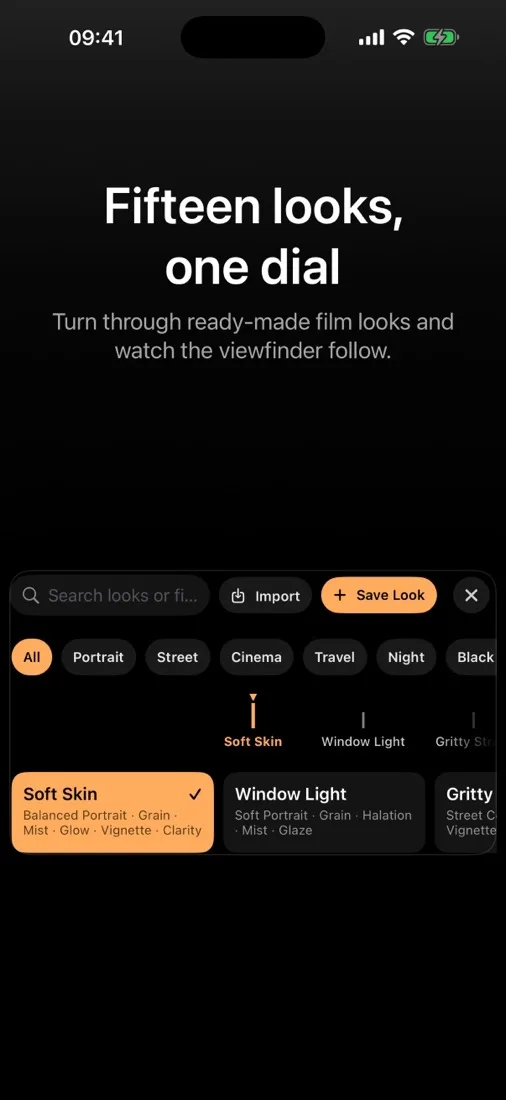
How it works
Three steps. No editing later.
Step 1: Pick a look
Turn the dial. Fifteen ready-made looks, or your own.
Step 2: See it live
The viewfinder shows the finished photo while you frame.
Step 3: Shoot. Keep both.
You get the finished photo and the untouched original.
A full camera in your pocket
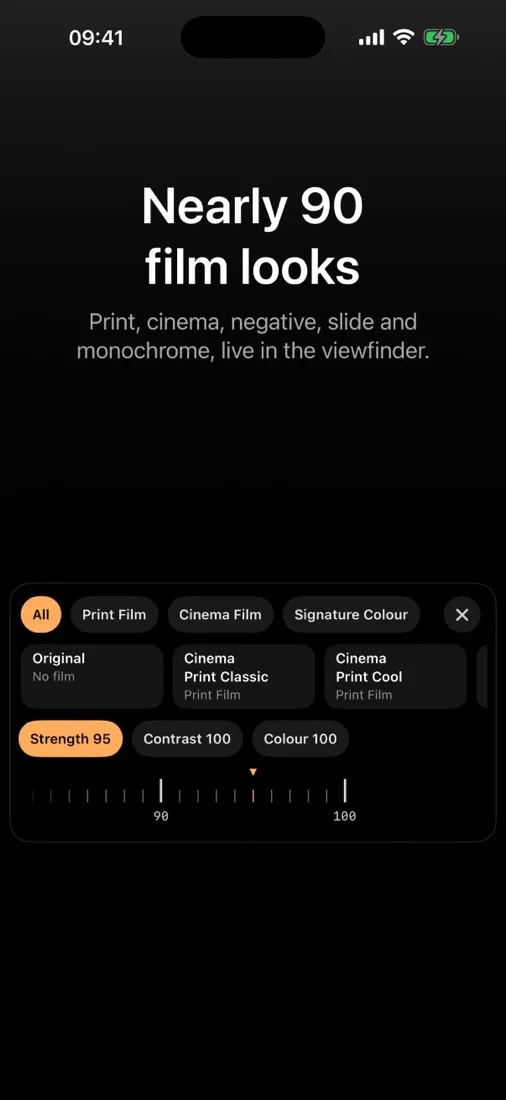
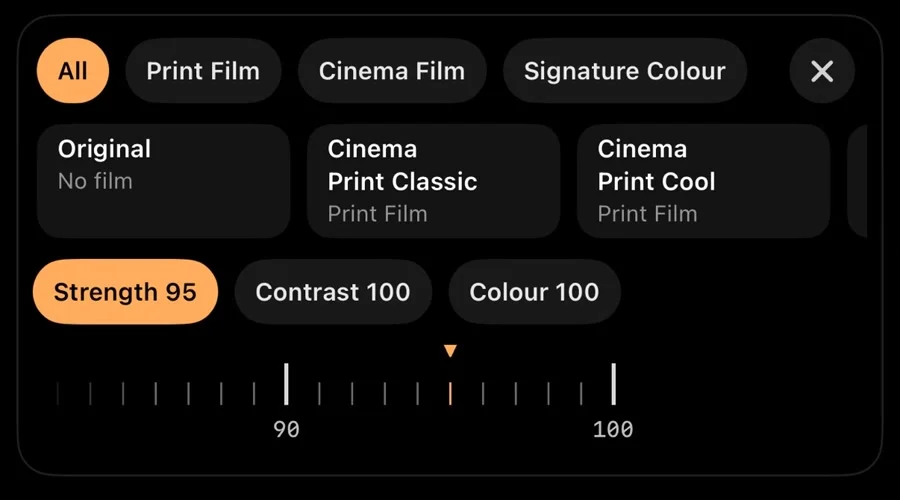
Nearly 90 film looks
Print, cinema, negative, slide, black and white.
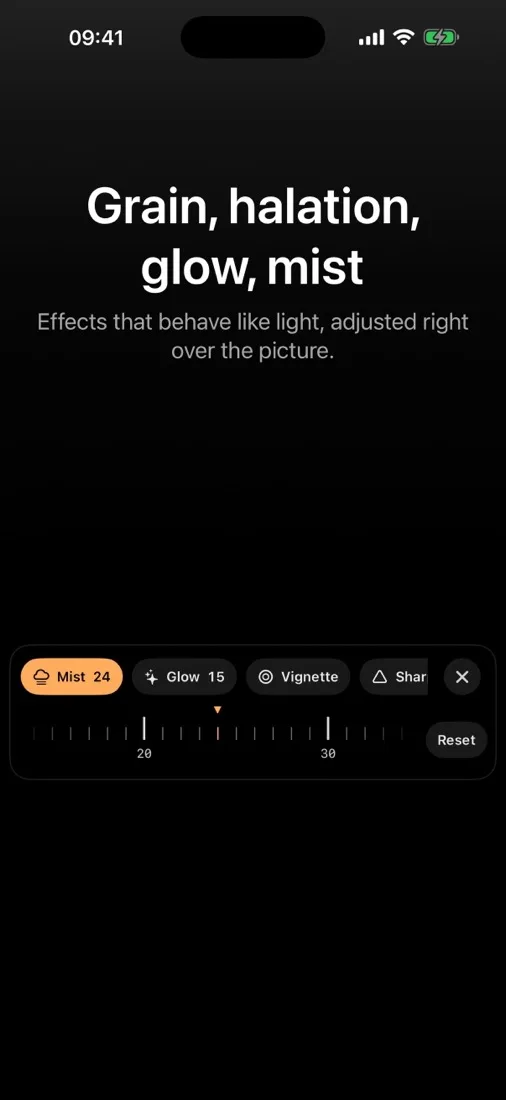
Effects that act like light
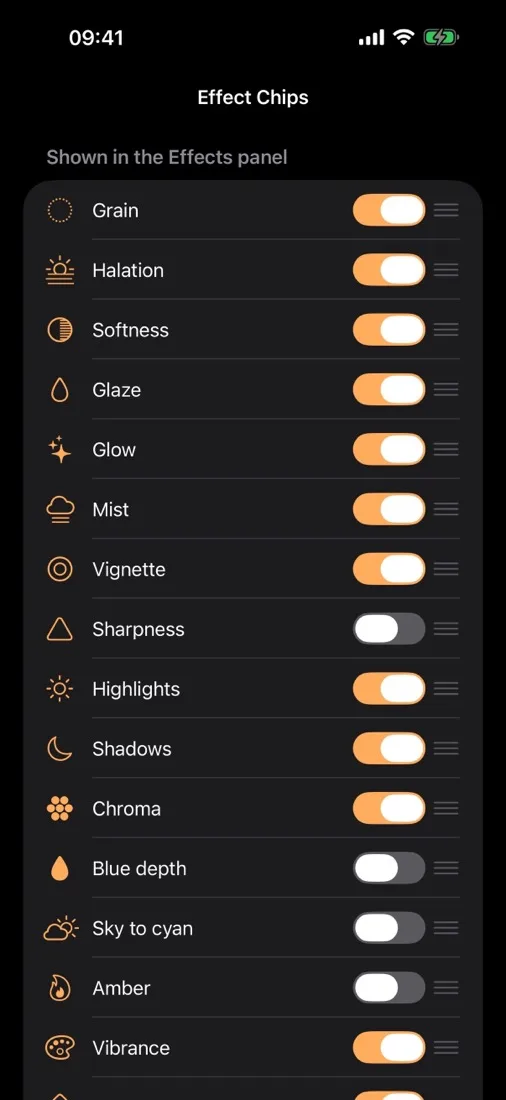
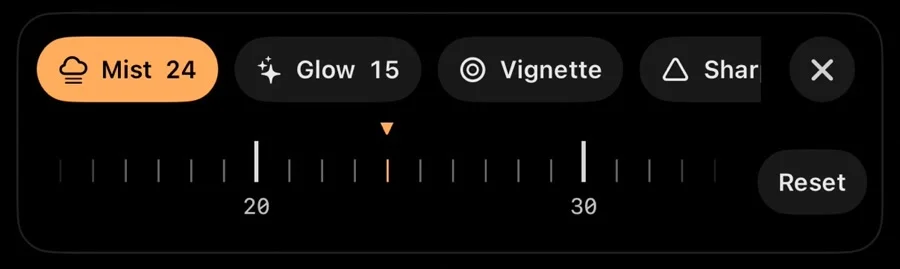
Grain, halation, glow, mist, glaze, vignette.
Pro dials
ISO, shutter, exposure, white balance, focus.
Face tracking
Tap a face. Focus and exposure follow it.
Viewfinder aids
Grid, level, peaking, zebras, histogram. Never in the photo.
RAW and Apple Log
RAW DNG on ProRAW iPhones. Log TIFFs for DaVinci Resolve and Premiere Pro.
Live curves
Draw curves right over the picture.
Edit any photo
Put your looks on photos you already have.
Save and share looks
Make your own look. Send it in Messages or Files.
Export your way
Social, Web or Best quality presets. JPEG, HEIF, PNG or TIFF. Save to Photos, Share or Files.
12 or 48 MP
JPEG or HEIF. Display P3 or sRGB colour.
The same looks for your Apple Log video
Helios Grade is our plugin for DaVinci Resolve and Premiere Pro. It turns flat Apple Log video into normal colour, then adds the film looks, grain and glow you know from this app.
- Reads Apple Log from iPhone. 60 camera log profiles from 12 brands in all.
- 89 film looks, film grain, halation and glow.
- DaVinci Resolve 18 or newer (free or Studio) or Premiere Pro 2026 or newer, on Mac or Windows.
Your photos stay on your iPhone.
Everything runs on the phone. Privacy policy
- No account
- No cloud
- No AI service
- No ads
- No tracking
Free, then yours for good
Days 1 to 14
Unlimited
Every photo, every edit.
After that
10 a day, free
10 finished photos and 10 edits a day.
One purchase
Unlimited, for good
No subscription. Family Sharing included.
Helios Camera · lifetime
Pay once
No subscription. The App Store shows the price for your country.
- Free for 14 days first
- Every feature, for good
- Family Sharing included
One kit, from camera to finished film
Use one. Or use them together.
Questions
Which iPhone do I need?
Any iPhone with iOS 18 or later. RAW DNG needs an iPhone 12 Pro or a later Pro model (ProRAW). Apple Log stills need an iPhone 15 Pro or later. 48 MP needs an iPhone whose camera offers it. The app tells you when your iPhone cannot use a format.
Is my original photo kept?
Yes. The app always keeps the original next to the photo with the look.
Do I need an account?
No. There is no account, no cloud and no tracking. Everything stays on your iPhone.
Shoot the finished photo.
Free for 14 days · then pay once, no subscription (or 10 photos a day, free)
Questions: support@colormetriclabs.com